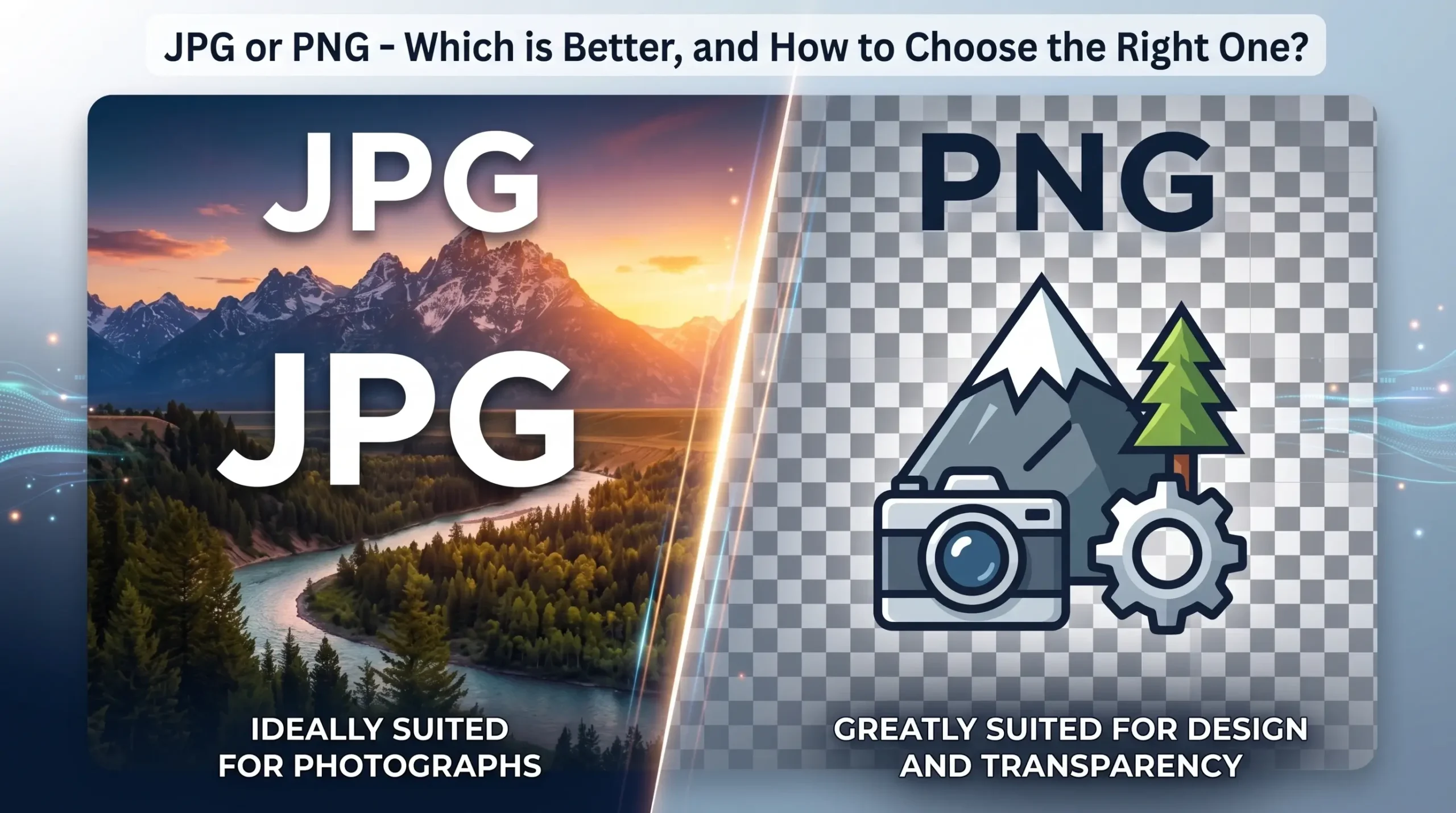
When creating digital content, the image format can be a crucial factor affecting visual quality, loading speed and usability. Two of the most commonly used image formats are JPG (JPEG) and PNG. But what is the difference between them, and where is each one most suitable?
1. JPG or PNG – The main differences between the formats
To choose the right image format, it is important to understand the key differences between them. Here are the key facts to help you make the right decision:
📌 JPG (JPEG) – ideal for photos and social media:
- Smaller file size – JPG images are ‘compressed’ so that they take up less space.
- Ideal for photographs – preserves natural colour tones and gradients.
- No transparency – the background must always be a solid colour or the image must completely fill the space.
- Faster web loading – ideal for websites and social media.
📌 PNG – ideal for design and transparent images:
- Retains full quality – does not compress the image, so it looks sharper and clearer.
- Supports transparency – ideal for logos, icons and visual elements.
- Larger file size – may be heavier than a JPG, which affects loading speed.
- Best suited to graphics and illustrations – preserves sharp outlines and text.

- Apple – JPG (JPEG) format
- Apple – PNG format


2. Where is JPG best used?
JPG is an excellent choice if you need a smaller file size and faster loading times:
- Social media feeds (Facebook, Instagram, LinkedIn, etc.) – reduces loading time
- For photos on websites – reduces data usage and improves page loading speed
- Email attachments – smaller file sizes ensure faster delivery
- For large image galleries – reduces server storage usage
3. Where is it best to use PNG?
PNG is the best choice when maximum quality and transparency are required:
- For logos and icon design – retains transparency and a high level of detail
- In PowerPoint presentations – ensures clear images against any background
- For e-commerce product images – allows you to use images with a transparent background
- For infographics and illustrations – clear lines and contrasts
- Digitālais Dizains logo – JPG (JPEG) format
- Digitālais Dizains logo – PNG format


4. Did you know that image format affects SEO and the user experience?
For websites, the image format can be a crucial factor affecting loading speed and the user experience. JPG improves page loading speed, which is important for SEO, whilst PNG may be a better choice when image quality is essential.
Conclusion:
When choosing between JPG and PNG, consider the purpose of the image and the context in which it will be used. JPG is best for speed and to save space, whilst PNG is best for quality and transparency.