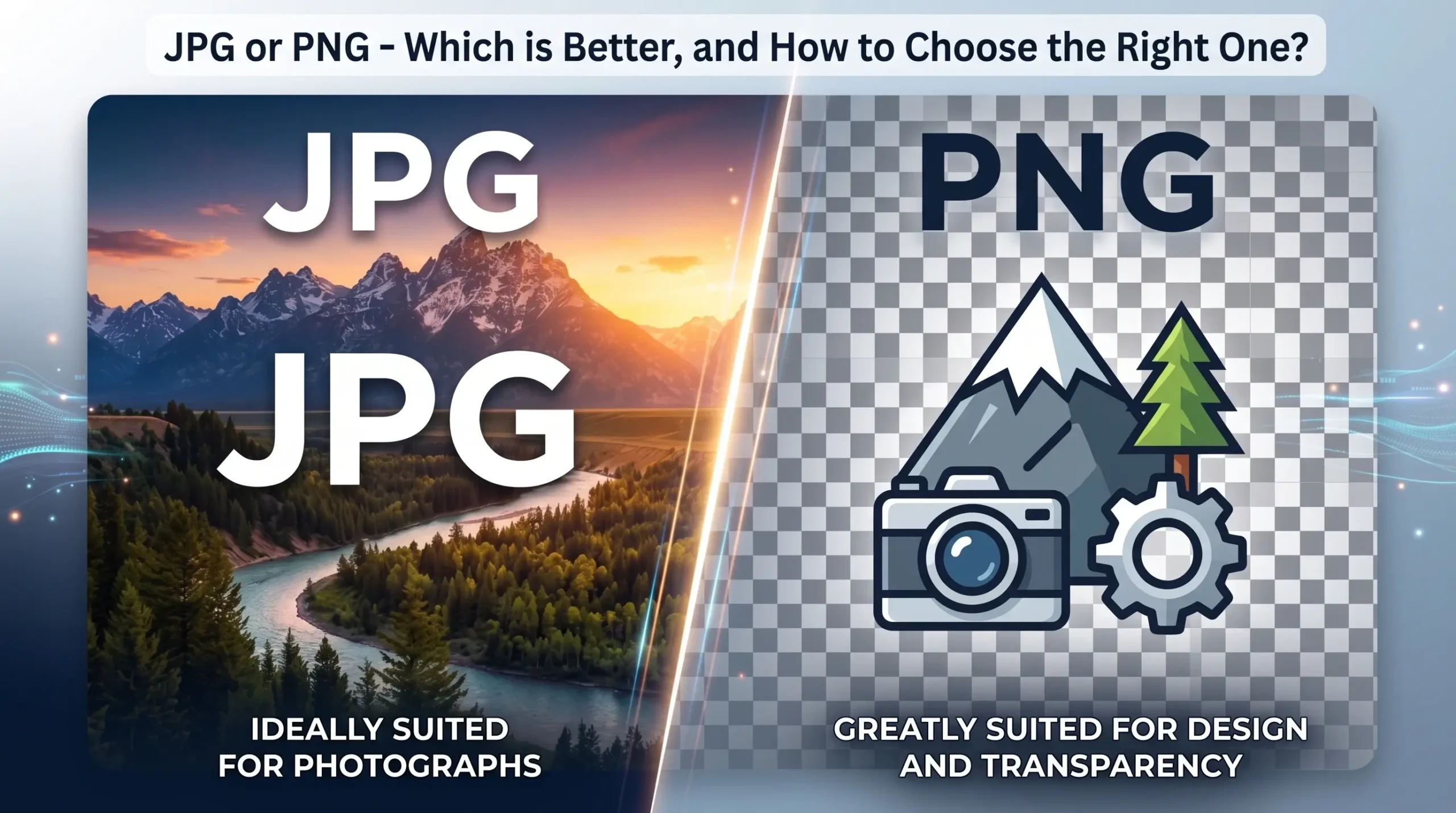
When you add images to a website or a social media post, the file format affects how sharp they look and how fast the page loads. JPG (JPEG) and PNG are 2 of the most common image formats. Each suits different tasks, so it is worth knowing how they differ.
1. The main differences between JPG and PNG
JPG files are smaller and work well for photos, while PNG files keep full image quality and support transparent backgrounds.
JPG (JPEG) works best for photos and social media posts:
- Smaller file size: the image is compressed with a small loss of detail, so the file takes up less space
- Suited to photographs: natural colour tones and smooth gradients look good even in a small file
- No transparency: the image always has a solid background, such as white
- Faster loading: smaller files help web pages and social media posts open more quickly
PNG works best for graphics and images with a transparent background:
- Full quality: PNG compresses files without losing detail, so images stay sharp and clear
- Supports transparency: logos, icons and other graphics can be placed on any background
- Larger file size: a photo saved as PNG is usually heavier than the same photo in JPG, which can slow down the page
- Suited to graphics and illustrations: sharp edges and text stay clear

- Apple in JPG (JPEG) format
- Apple in PNG format


2. When should you use JPG?
JPG is the better choice when a small file size and fast loading matter most, for example in these cases:
- Social media posts on Facebook, Instagram or LinkedIn: photos load faster in the feed
- Photos on websites: pages use less data and load faster
- Email attachments: smaller files are quicker to send and download
- Large image galleries: photos take up less space on the server
3. When should you use PNG?
PNG is the better choice when image quality or a transparent background matters most, for example in these cases:
- Logos and icons: the transparent background and fine details are kept
- PowerPoint presentations: graphics stay sharp on any slide background
- E-commerce product images: products can be shown on a transparent background and fit any page layout
- Infographics and illustrations: lines and contrasts stay clear
- Digitālais Dizains logo in JPG (JPEG) format
- Digitālais Dizains logo in PNG format


4. How does the image format affect SEO and user experience?
The image format affects how fast your pages load, which matters both to visitors and to Google when it ranks pages. For photos, JPG is usually the better choice because of its smaller file size. PNG is worth using where sharp details or a transparent background are more important than file size.
Conclusion
When you choose between JPG and PNG, start with what the image shows and where it will be used. JPG is the better choice for photos and fast-loading pages, while PNG suits logos, graphics and images with a transparent background.